Why Your YouTube Description Is an Underused SEO Asset
Most creators write a one-line YouTube description — or leave it blank entirely. That is one of the most common and costly YouTube SEO mistakes. Your description is the second most important text field after your title, and YouTube's algorithm reads every word of it to understand what your video is about.
A well-written YouTube description does four jobs at once: it tells the algorithm what search queries your video is relevant for, it convinces viewers in the browse feed to click, it provides links and timestamps that increase session time, and it can generate "Key Moments" in Google Search when combined with chapter timestamps.
The invisible first 150 characters
YouTube shows only the first 150 characters of your description in search results and the browse feed — before the "Show more" cutoff. If your primary keyword and value proposition are not in those first 150 characters, most viewers and the algorithm will never process the rest of your description.
What YouTube's Algorithm Actually Reads in Your Description
YouTube does not give equal weight to every word in your description. Understanding what the algorithm prioritises helps you write descriptions that rank.
The opening paragraph
The first 150–200 characters carry the most algorithmic weight. YouTube uses this section to determine your video's primary topic and match it against search queries. Your main keyword should appear here naturally — not stuffed, but placed as the first thing you address. Write it as a direct answer to the viewer's question, not as a promotional sentence about yourself.
Natural keyword repetition
A strong description includes your primary keyword two or three times across its full length — in the opening, the middle, and near the end. It should also include three to five related terms that reinforce the topic. For example, a video about "how to grow on YouTube" might naturally include "YouTube growth strategy", "increase YouTube views", and "YouTube algorithm" without any of them feeling forced.
Chapter timestamps in the description
When you paste chapter timestamps into your description, YouTube passes them to Google. Google indexes each chapter title independently and can display them as "Key Moments" in search results — meaning each chapter becomes a separate SEO entry point for your video. A 10-chapter video can rank for 10 different search queries from a single upload.
Hashtags
YouTube displays up to three hashtags above your title on the video page. These are clickable and connect your video to the hashtag browse feed — a secondary discovery surface. Include two or three highly relevant hashtags at the end of your description. Do not use more than five or YouTube may remove them all.
The Anatomy of a Perfect YouTube Description
The best-performing YouTube descriptions follow a consistent structure. Here is the exact format used by channels with high search traffic:
- 1Opening paragraph (150–200 characters) — your primary keyword + a direct summary of what the viewer will learn or get. Written for the viewer, not for yourself.
- 2Full description paragraph (100–200 words) — expand on the video's content, include secondary keywords naturally, address the viewer's core question. This is what the algorithm uses to build a complete topic map of your video.
- 3Chapter timestamps — paste your full chapter list here. Starts from 00:00. Each chapter title should be keyword-aware and descriptive.
- 4Useful links — your website, related videos, playlists, or resources mentioned in the video. These drive session time and signal to YouTube that your content has depth.
- 5Subscribe call to action — one sentence. Keep it short. Viewers who read this far are already engaged.
- 6Social links — your other platforms, in one short block.
- 7Hashtags — two to three relevant hashtags on the final line.
How to Write the Opening 150 Characters (With Examples)
The opening of your description is the highest-leverage text you will write for any video. Here is the difference between a weak opening and a strong one:
Weak opening (what most creators write)
"Hey guys, welcome back to the channel! In today's video I'm going to show you something really cool that I've been working on for a while..." — this opening buries the keyword, wastes the first 150 characters on filler, and gives the algorithm nothing useful to work with.
Strong opening (what ranks)
"YouTube description generator: how to write SEO descriptions that rank in 2026. In this video, I cover the exact structure top creators use to get their videos discovered in search..." — the keyword appears first, the value proposition is clear, and the algorithm immediately understands the topic.
Write the description before you edit the video
The best time to write your YouTube description is right after you finish recording — when the key points are fresh. Writing it first also forces you to clarify your video's core value before you spend hours editing. Many top creators use this as a pre-production exercise to sharpen their focus.
YouTube Description Length: How Long Should It Be?
YouTube allows up to 5,000 characters in a description. The ideal length for SEO purposes is 200–350 words for the main description body, plus your chapter timestamps, links, and hashtags. This gives the algorithm enough keyword context to build a strong topic model without padding the description with irrelevant content.
- check_circleToo short (under 50 words) — the algorithm has insufficient context to match your video to relevant queries.
- check_circleOptimal (200–350 words) — enough to include primary and secondary keywords naturally, with full context.
- check_circleToo long (over 600 words) — does not provide additional ranking benefit and risks keyword dilution if the extra content is off-topic.
- check_circleKeyword-stuffed — YouTube's spam detection actively penalises descriptions that repeat keywords unnaturally. Write for the viewer first.
How to Use a YouTube Description Generator
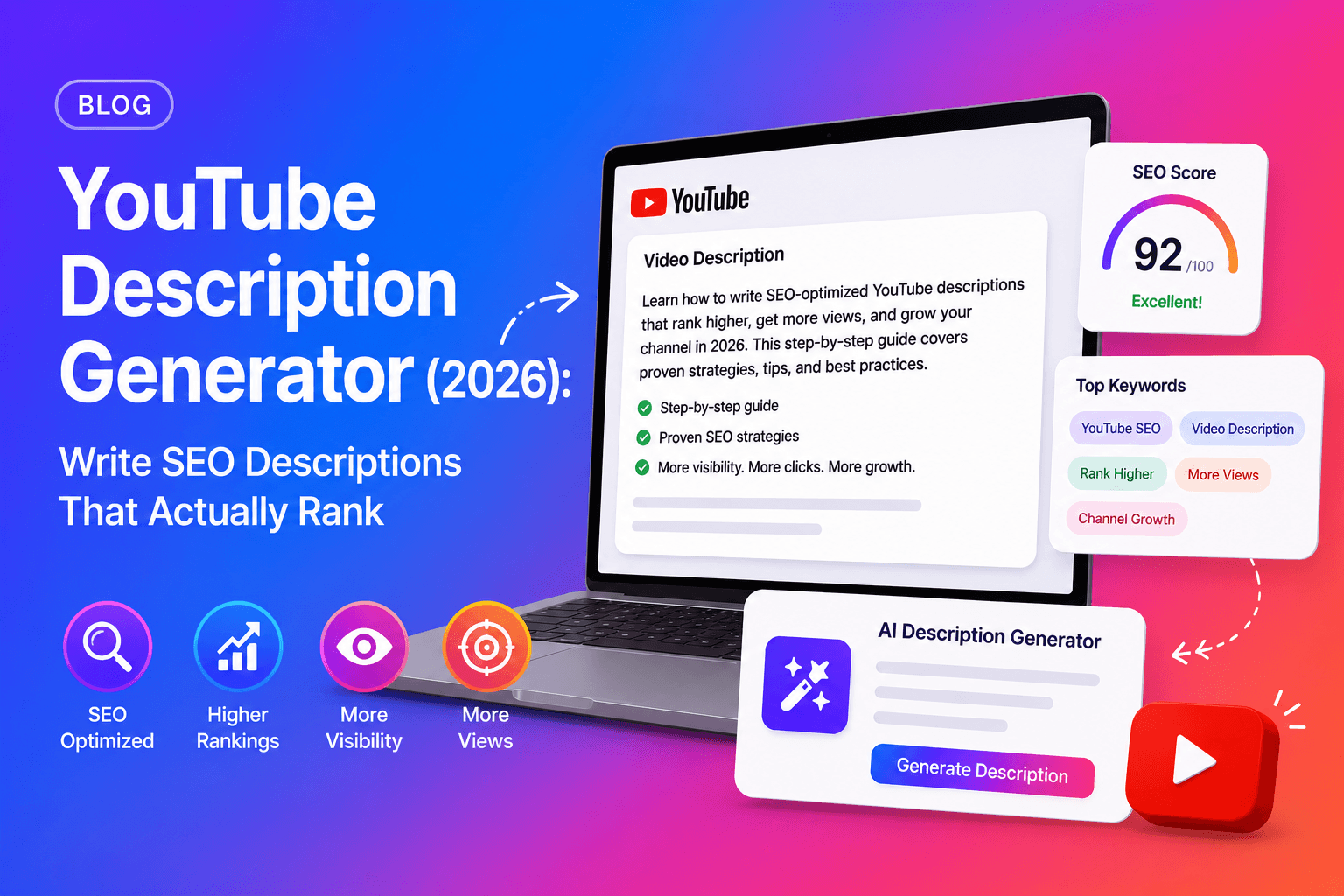
Writing a strong YouTube description from scratch takes time — especially if you need to cover keywords, chapters, links, and hashtags in a structure that satisfies both the algorithm and the viewer. An AI YouTube description generator automates this in seconds.
- 1Go to chaptrly.in and paste your YouTube video URL.
- 2Chaptrly reads the full video transcript and analyses the content.
- 3Open the Description tab in your results — you get a fully structured, keyword-aware description.
- 4Review the opening paragraph — confirm your primary keyword appears in the first 150 characters.
- 5Add your personal links (website, social profiles, related playlists) in the links section.
- 6Copy the chapter timestamps from the Chapters tab and paste them into the description at the timestamp position.
- 7Add two or three hashtags at the end.
- 8Paste the complete description into YouTube Studio → your video → Details → Description → Save.
Common YouTube Description Mistakes That Kill Your Rankings
Starting with "Welcome back to my channel"
This is the single most common YouTube description mistake. It wastes the first 150 characters — the only part of your description that appears in search results — on content that has zero SEO or viewer value. Always open with your keyword and the video's core value.
Copying the description from a previous video
Duplicate descriptions confuse the algorithm and reduce the relevance score of both videos. Every description should be unique and specific to that video's transcript and topic.
Leaving out chapter timestamps
Chapter timestamps in the description are one of the highest-impact, lowest-effort SEO moves available on YouTube. Skipping them means leaving "Key Moments" rich results — and the multiple Google ranking positions they unlock — on the table.
Writing only for the algorithm
Descriptions stuffed with keyword variations but written in unreadable, robotic prose perform worse than natural descriptions. YouTube's algorithm reads viewer signals — click-through rate, watch time, likes — which are driven by humans, not bots. Write for the viewer and let the algorithm follow.
Want to maximise every part of your upload? See our complete YouTube SEO checklist for 2026 — every optimisation step from title to tags.
YouTube Description vs YouTube Tags: What Matters More?
YouTube tags carry significantly less SEO weight than they did five years ago. YouTube itself has confirmed that tags are a minor ranking factor — primarily useful for correcting common misspellings of your video's topic. Your description is far more influential for search ranking than your tags.
That said, using five to eight focused tags that match your primary and secondary keywords is still best practice. Think of tags as confirmation signals — they reinforce what your title and description already tell the algorithm, rather than adding new ranking weight on their own.
How Chaptrly Generates Your YouTube Description
Chaptrly reads the full transcript of your YouTube video and generates a complete, SEO-structured description automatically. Paste your video URL and in seconds you get:
- check_circleAn opening paragraph with your primary keyword in the first 150 characters — written to appear in search snippets and the browse feed.
- check_circleA full description body with natural keyword placement and a clear summary of the video's content.
- check_circleChapter timestamps ready to paste — each chapter title written with SEO-aware phrasing that Google indexes independently.
- check_circleA hashtag suggestion based on the video's topic and category.
- check_circle8 SEO title options, hook scripts, Shorts ideas, and keyword tags — all generated from the same video URL in a single run.
Every description Chaptrly generates is built around the same structure that drives ranking: keyword-first opening, complete content summary, chapter timestamps, and topic-matched hashtags. No templates, no generic filler — the output is specific to your video's actual content.