Do YouTube Tags Still Matter in 2026?
Yes — but not in the way most creators think. YouTube tags are not primarily a search ranking factor. Their main job is to help YouTube's algorithm understand the topic, context, and category of your video so it can recommend it to the right audience.
Google's own documentation confirms that tags play a minimal role in Google Search rankings. But within the YouTube platform — specifically for suggested videos, related content, and browse features — tags remain a meaningful signal. A video with well-structured tags is more likely to appear in the "Up next" panel alongside videos on the same topic.
Tags vs title vs description
For YouTube search rankings, your title carries the most weight, followed by your description. Tags matter most for suggested video placement — getting your video recommended after a viewer watches similar content. That is a different and equally valuable source of views.
The 4 Types of YouTube Tags Every Creator Should Use
Not all tags are equal. A well-structured tag set uses four distinct types — each serving a different purpose in how YouTube matches and recommends your content.
Primary tags
Primary tags are the 4–5 broad, high-volume keywords that directly describe your video's core topic. These should match — or closely mirror — the keyword in your title. If your video is about film photography, primary tags might include "film photography", "analog photography", and "photography tutorial". Place your most important primary tag first in your tag list.
Secondary tags
Secondary tags are 6–8 more specific keywords that describe the subtopics and angles covered in the video. They help YouTube understand the full breadth of your content — not just the main topic but the specific aspects you address. A film photography video might have secondary tags like "darkroom development", "camera craft", "intentional art", and "photography tips".
Long-tail tags
Long-tail tags are multi-word phrases (3–5 words each) that match exactly how viewers type queries into YouTube search. Search volume per phrase is lower, but intent is higher — viewers using long-tail queries are looking for something specific. Examples: "how to start film photography", "analog vs digital photography", "darkroom printing process". These tags are often where niche channels find their most loyal viewers.
Related tags
Related tags are broader channel or genre keywords that connect your video to the wider content ecosystem you want to appear alongside. They do not describe this specific video in detail — they position it within a category. Examples: "photography vlog", "artist interviews", "creative conversations". These help YouTube surface your video to viewers who have watched content in your broader niche.
Tag structure summary
- arrow_rightPrimary (4–5): broad, high-volume terms — core topic of the video
- arrow_rightSecondary (6–8): specific subtopics and angles from the transcript
- arrow_rightLong-tail (6–8): full search phrases (3–5 words) viewers would type
- arrow_rightRelated (3–5): broader genre/channel keywords for discovery
- arrow_rightTotal character count: stay under YouTube's 500-character limit
The YouTube 500-Character Tag Limit — And Why It Changes Everything
YouTube allows a maximum of 500 characters across all your tags combined. This forces you to be selective. Creators who add dozens of vague, repetitive tags quickly exhaust this budget without providing useful signals. Creators who structure their tags deliberately — covering primary, secondary, long-tail, and related categories — use the same 500 characters to send far clearer topic signals.
Character count includes the characters in each tag and the commas that separate them. A tag like "how to start film photography" uses 30 characters — a significant chunk. Long-tail tags are the most expensive per tag, which is why you want them to be precise and directly match real search queries rather than guesses.
Put your most important tag first
YouTube gives slightly more weight to tags listed earlier in your tag field. Always place your primary keyword tag — the one that matches your title — as the very first tag. Everything after that is supporting context.
How to Research YouTube Tags
The best YouTube tags come from real search behaviour — not from guessing what sounds relevant. Here is a practical research process that takes under 10 minutes:
- 1Type your video's main topic into YouTube search and note every autocomplete suggestion. Each suggestion is a real search query from real viewers.
- 2Open the top 3–5 ranking videos for your topic. Right-click the page, view page source, and search for "keywords" — many creators' tags are visible in the page source.
- 3Run the same search on Google. Note the "People also ask" questions — these become long-tail tag candidates.
- 4Check the "Related searches" at the bottom of Google results for secondary and related tag ideas.
- 5Note which words appear in the titles of top-ranking videos — these are likely high-performing primary tag candidates.
Tags are one part of a full optimisation strategy. See the complete YouTube SEO checklist for 2026 — every step before and after you publish.
YouTube Tag Mistakes That Hurt Your Performance
- check_circleUsing only single-word tags — "photography" as a standalone tag is too broad to drive targeted suggestions or searches.
- check_circleRepeating the same keyword in multiple tags — "photography tutorial", "photography tutorials", "photography tutorial 2026" wastes your 500-character budget without adding new topic signals.
- check_circleTag stuffing with irrelevant keywords — adding popular tags unrelated to your video is against YouTube's policies and actively hurts placement.
- check_circleIgnoring long-tail tags entirely — creators focused only on broad keywords miss the high-intent viewers that long-tail tags capture.
- check_circlePutting related tags first — YouTube weights your first tags most heavily. Save the first positions for your most targeted primary keywords.
- check_circleNever updating old video tags — as your channel grows and you understand your audience better, revisiting tags on older videos can unlock new recommendation traffic.
How a YouTube Tags Generator Works
A YouTube tags generator reads your video's transcript and uses it as the source of truth for keyword extraction. Because it works from what was actually said in the video — rather than guessing from a title or a manual description — the output is grounded in your real content.
The AI identifies the main topics discussed, the subtopics and specific terms used, the natural search phrases that match what was said, and the broader content category the video belongs to. It then structures these into the four tag types — primary, secondary, long-tail, and related — and checks that the total stays within YouTube's 500-character limit.
Why transcript-based tags outperform manually written ones
- check_circleThey reflect the exact language used in the video — which is more likely to match how viewers search for that type of content.
- check_circleThey cover the full video, not just the main topic — subtopics discussed 15 minutes in are captured, not just the headline subject.
- check_circleThey are generated in seconds — removing the manual research step that most creators skip entirely.
- check_circleThey stay within the 500-character limit automatically — no manual counting or trimming needed.
How Chaptrly Generates YouTube Tags
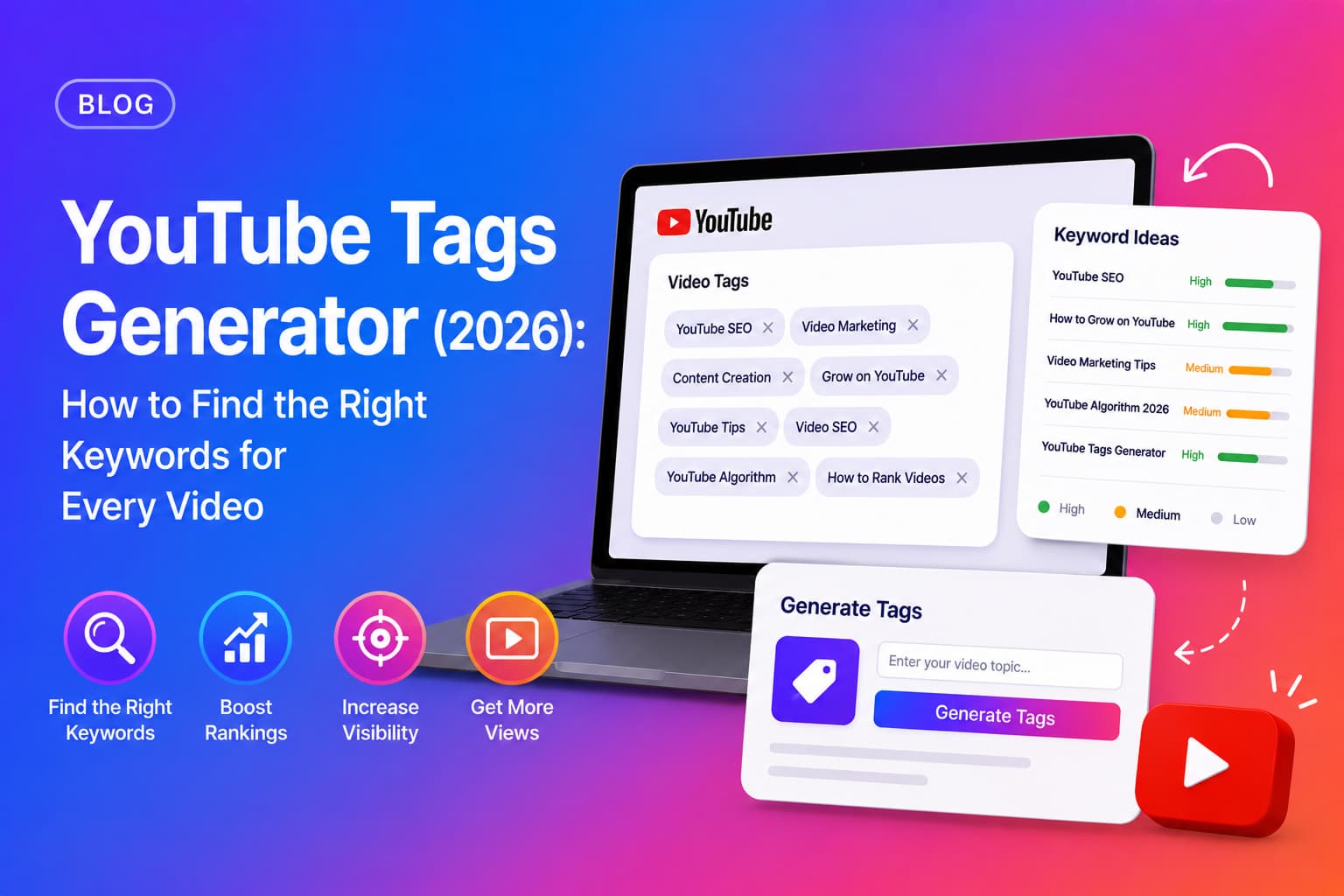
Chaptrly's YouTube tags generator reads your full video transcript and produces tags in four structured categories — primary, secondary, long-tail, and related — displayed with their character count against YouTube's 500-character limit so you can copy them directly into YouTube Studio without any editing.
The output is language-aware — if your video is in Spanish, Portuguese, Hindi, or any other language, the generated tags will match the language of your content. Tags are generated alongside your chapters, SEO title options, hook scripts, and video description in a single generation from one YouTube URL.
- 1Go to chaptrly.in and paste your YouTube video URL.
- 2Click Generate — Chaptrly fetches the transcript and analyses the full video.
- 3Open the Keywords tab in your results.
- 4Review the PRIMARY, SECONDARY, LONG TAIL, and RELATED sections.
- 5Click Copy Tags — all tags are copied as a comma-separated list, ready for YouTube Studio.
- 6In YouTube Studio, open your video details and paste into the Tags field.
Tags work best when your description and chapters are also optimised. Learn how with our YouTube description generator guide .
Hashtags vs Tags on YouTube — What Is the Difference?
YouTube tags (added in the Tags field in YouTube Studio) and hashtags (added directly in your video description or title with a # symbol) are separate systems with different purposes.
Tags are hidden from viewers and signal topic context to YouTube's algorithm. Hashtags are visible to viewers and act as clickable links that lead to a feed of videos using the same hashtag. YouTube displays up to three hashtags above your video title on the watch page — making them a secondary discovery surface.
Hashtag best practices
- arrow_rightUse 2–3 hashtags in your description — YouTube highlights the first three above your title.
- arrow_rightDo not use more than 15 hashtags — YouTube may remove all of them if the description appears over-tagged.
- arrow_rightChoose hashtags that match real browsing behaviour — broad enough to have an existing audience but specific enough to be relevant.
- arrow_rightDo not add hashtags to the Tags field — they belong in the description only.