What Is YouTube SEO?
YouTube SEO is the process of optimising your video's title, description, chapters, tags, and engagement signals so that YouTube and Google rank it higher in search results. YouTube is the world's second-largest search engine — and every video you publish is a page that can rank or get buried.
Most creators focus only on the thumbnail and hope for the best. But the creators who consistently get views treat every upload like an SEO asset — optimising before they publish, not after the numbers disappoint.
Why YouTube SEO Matters More Than Ever in 2026
- check_circleYouTube videos now appear directly in Google AI Overviews — well-optimised videos get cited as sources.
- check_circleSearch-driven views are more valuable than algorithmic views: they come from people who already want your content.
- check_circleYouTube's own search algorithm weighs title relevance, description keywords, chapters, and click-through rate.
- check_circleCompetitors are using AI tools to optimise faster — an un-optimised video loses discoverability permanently.
- check_circleChapter titles are indexed by Google independently, giving each video multiple ranking opportunities.
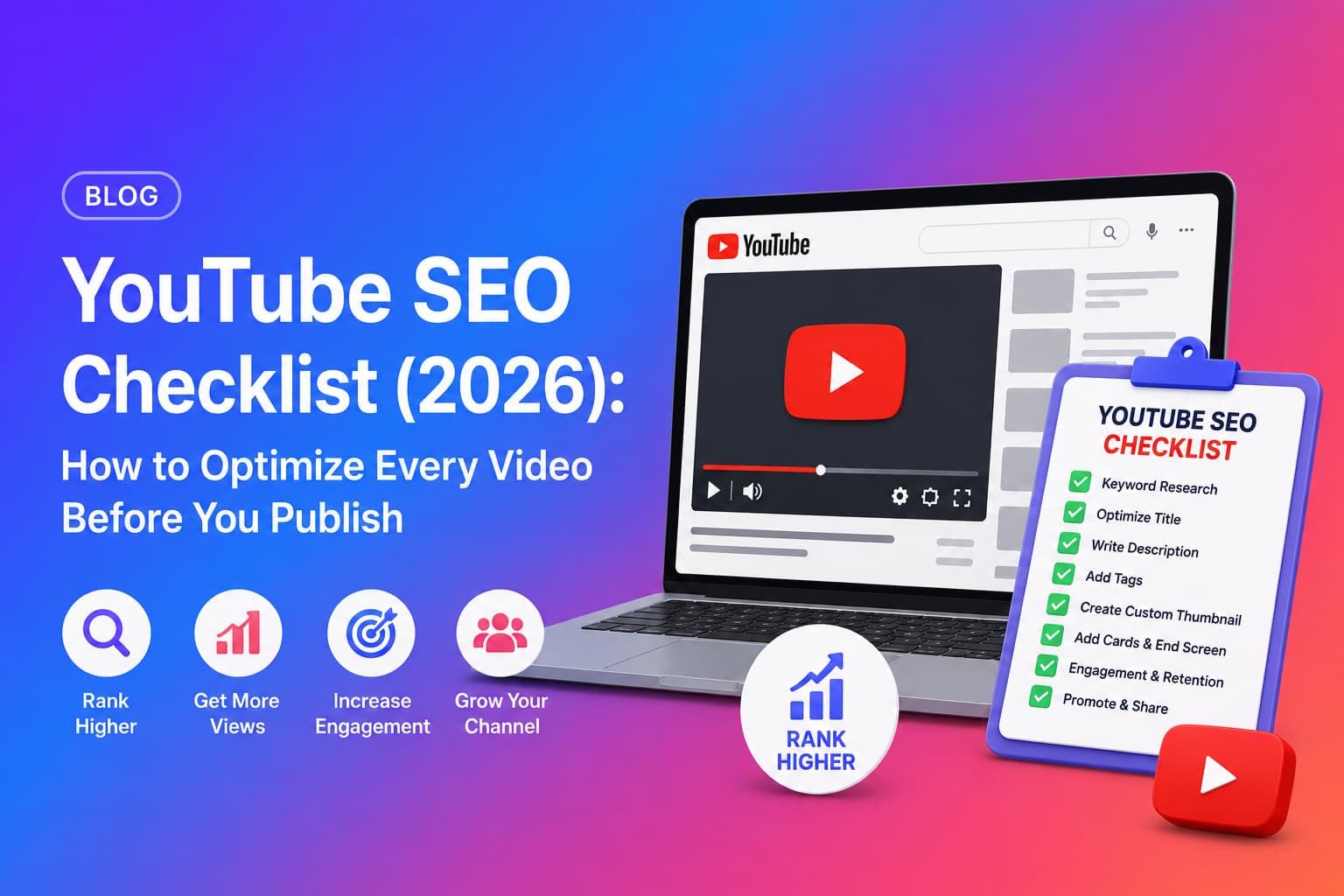
Before You Publish: The YouTube SEO Checklist
For a deep dive into title writing, see our YouTube title generator guide — covering every formula and keyword strategy.
1. Write a keyword-rich video title
Your title is the single most important SEO signal. It tells YouTube and Google exactly what your video is about. A strong YouTube title should include your primary keyword near the front, stay under 60 characters to avoid truncation, and give a clear reason to click.
Title formula that works
- arrow_rightLead with the keyword: "YouTube SEO…" not "…for YouTube SEO".
- arrow_rightAdd a benefit or hook: "…that doubles your views" or "…in 10 minutes".
- arrow_rightUse numbers where natural: "7 YouTube SEO mistakes" outperforms "YouTube SEO mistakes".
- arrow_rightAvoid clickbait — high CTR with poor watch time tanks your ranking.
2. Write an SEO-optimised description
YouTube reads your description to understand your video's topic. The first 150 characters appear above the fold in search results — treat them like a meta description. Use your primary keyword in the first sentence, then naturally expand with secondary keywords throughout.
Pro tip
A good description is 150–300 words. It summarises the video, includes 2–3 keyword variations, and ends with a clear call to action (subscribe, check a related video, visit your site).
3. Add chapter timestamps
Chapter timestamps are one of the most underused SEO tools on YouTube. Google indexes each chapter title independently — so a 10-chapter video can rank for 10 different search queries. Chapters also improve watch time by helping viewers navigate to what they actually want.
Correct chapter format
00:00 Introduction
              02:15 What Is YouTube SEO
              05:30 Keyword Research for YouTube
              09:45 How to Write Titles That Rank
              14:20 Description Optimisation
              18:50 Tags and Categories
              22:10 How to Use AI for YouTube SEO
Chapter rules YouTube enforces
- arrow_rightMinimum 3 chapters required.
- arrow_rightFirst timestamp must be exactly 00:00.
- arrow_rightAll timestamps must be in ascending order.
- arrow_rightTimestamps must be in the video description, not in comments.
For step-by-step guidance on chapter timestamps specifically, read our YouTube chapters generator guide .
4. Add relevant tags
Tags are a secondary signal — they help YouTube understand context and surface your video in related videos. Add 5–8 focused tags: your exact keyword, close variations, and 1–2 broader topic tags. Avoid stuffing 30 generic tags — it dilutes relevance.
5. Choose the right category
Setting the correct category helps YouTube place your video alongside similar content. This affects which videos yours appears next to as a suggested video — a major traffic source for most channels.
6. Write a strong hook (first 30 seconds)
YouTube measures audience retention from the very first second. If viewers drop off in the first 30 seconds, the algorithm stops recommending your video. A strong hook states what the video delivers and why the viewer should stay — immediately, without a long intro or channel pitch.
See proven hook formats and how to write them with our YouTube hook generator guide .
After You Publish: The YouTube SEO Checklist
7. Pin a comment to drive early engagement
A pinned comment in the first hour after publishing pushes viewers to engage — reply, like, share. Early engagement signals to YouTube that your video is worth promoting. Make it a question or a bonus tip that adds value, not a generic "enjoy the video!".
8. Repurpose into a tweet thread
Share your video as a tweet thread summarising the key points. Twitter/X links back to YouTube, which drives early external views — another signal YouTube uses to judge video quality in its first 24–48 hours.
9. Clip a YouTube Short from the video
YouTube Shorts from your main video drive viewers to your long-form content. Identify a 30–60 second moment with a strong hook or surprising insight, clip it, and post it as a Short with a link to the full video in the description.
How to Measure Your Video's SEO Performance
Publishing is only half the job. After 48 hours, check these metrics in YouTube Studio to understand how your SEO is performing:
- check_circleClick-through rate (CTR): below 4% usually means the title or thumbnail needs work.
- check_circleAverage view duration: aim for above 40% of the total video length.
- check_circleTraffic source — YouTube Search: if this is low, your title/description keywords need review.
- check_circleImpressions: if impressions are high but CTR is low, the title is the problem. If impressions are low, the keyword isn't being targeted.
How to Score and Improve Your Video with AI
Manually auditing every video against this checklist is time-consuming. Chaptrly automates the entire process — paste your YouTube URL and get a complete Video Score & Optimization report that grades your hook, engagement potential, SEO signals, and retention — along with a rewritten title, improved script suggestions, and all the content assets from the checklist above.
- 1Paste your YouTube video URL into Chaptrly.
- 2AI reads the full transcript and analyses your video against SEO and engagement benchmarks.
- 3Receive a Video Score across hook, engagement, SEO, and retention — with specific improvement suggestions.
- 4Get chapter timestamps, 8 title options, 3 hook scripts, Shorts ideas, a tweet thread, pinned comment, and full SEO description — all in under 60 seconds.
- 5Use Competitor Analysis to benchmark your video against any rival video and see exactly where you win and lose.
Save 30+ minutes per video
The full checklist above — titles, chapters, description, hook, pinned comment, tweet, Shorts — takes the average creator 30–45 minutes to do manually. Chaptrly generates all of it from one URL in under 60 seconds.