What Are YouTube Chapters?
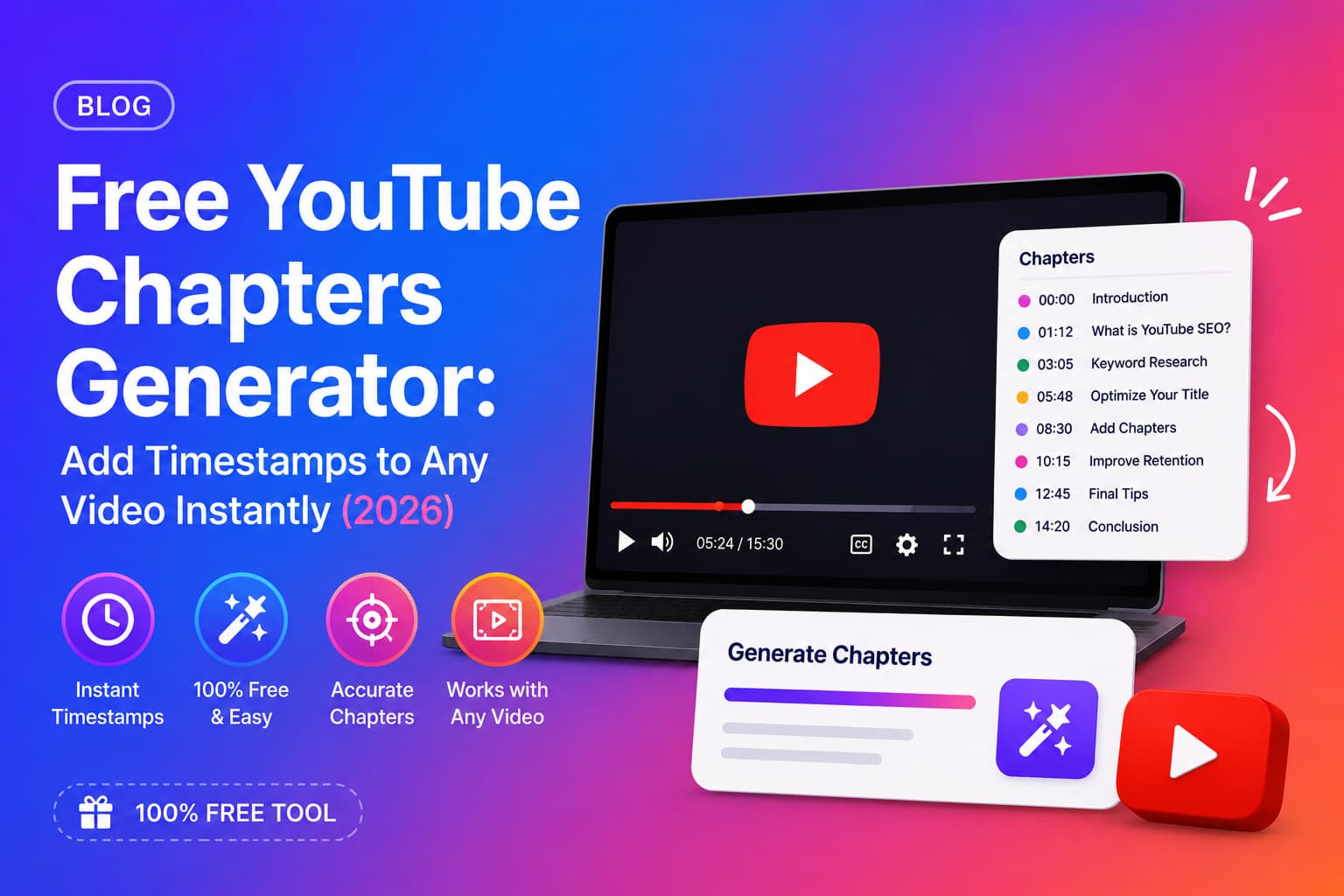
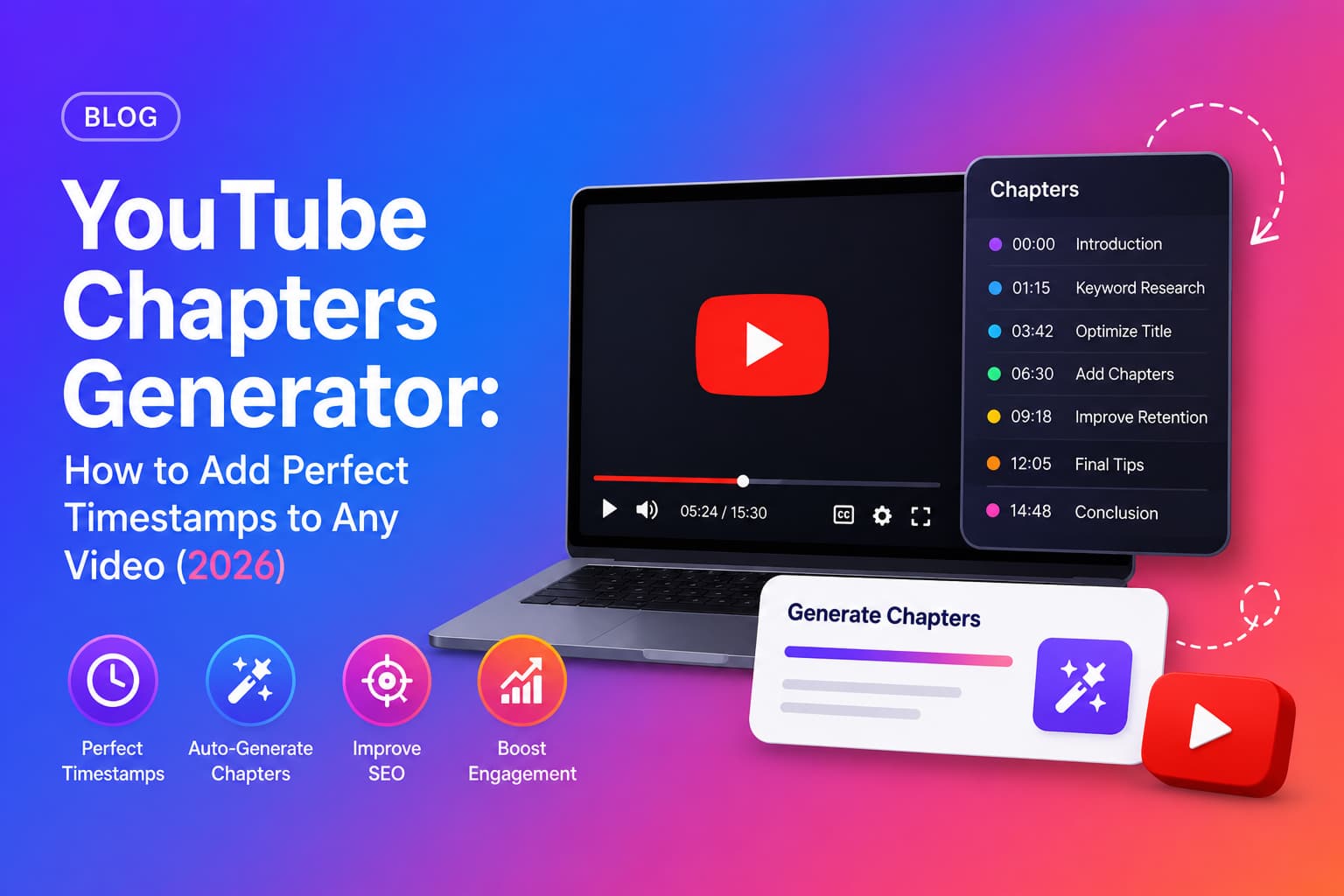
YouTube chapters are timestamp markers that divide a video into named sections. They appear as a progress bar segmented into clickable chapters — both inside the YouTube player and in Google search results as rich snippets. When a viewer hovers over the progress bar, they see each chapter title and can jump directly to the section they want.
You add chapters by pasting a list of timestamps into your video description, starting from 00:00. YouTube automatically detects the format and activates the chapter markers on your video.
Why Do YouTube Chapters Matter for SEO?
YouTube chapters are one of the highest-impact and most underused SEO features available to creators. Here is why they matter:
- check_circleGoogle indexes each chapter title independently — a 10-chapter video can rank for 10 different search queries.
- check_circleChapters appear as "Key Moments" in Google search results, increasing your click-through rate from search.
- check_circleViewers who can navigate to the section they want watch longer — improving average view duration.
- check_circleYouTube's algorithm treats high watch time and low drop-off as quality signals that lead to more recommendations.
- check_circleChapter titles give YouTube additional context about your video's topic, improving search relevance.
Key insight
A well-chaptered 20-minute video can effectively rank for 8–12 different keyword phrases — one for each chapter title. No other SEO tactic on YouTube gives you that kind of multi-keyword coverage from a single video.
YouTube Chapter Rules You Must Follow
YouTube enforces specific formatting rules for chapters to activate. If any rule is broken, chapters will not appear on your video.
YouTube chapter requirements
- arrow_rightYou must have at least 3 chapters.
- arrow_rightThe first timestamp must be exactly 00:00.
- arrow_rightAll timestamps must be listed in ascending order (no skipping back).
- arrow_rightTimestamps must be placed in the video description — not in the comments.
- arrow_rightEach chapter title must have at least one character after the timestamp.
- arrow_rightChapters must be on separate lines in the description.
Correct chapter format
00:00 Introduction
        02:30 What Are YouTube Chapters
        05:45 Why Chapters Improve SEO
        09:10 How to Write Chapter Titles
        13:20 Adding Chapters to YouTube Studio
        17:05 Using an AI Chapters Generator
How to Write Good YouTube Chapter Titles
The chapter title is what Google indexes and what viewers read before clicking. Treat each chapter title like a mini SEO title — specific, keyword-aware, and scannable.
Do's for chapter titles
- check_circleUse descriptive phrases that tell the viewer exactly what that section covers.
- check_circleInclude natural keyword variations where relevant — not every chapter, but where it fits.
- check_circleKeep titles under 50 characters so they display fully in the player.
- check_circleMake each chapter feel like a standalone topic someone might search for.
- check_circleStart the first chapter with "Introduction" or "Overview" — viewers expect it.
Don'ts for chapter titles
- check_circleDon't use vague titles like "Part 1", "Section 2", or "More stuff".
- check_circleDon't keyword-stuff — "YouTube SEO YouTube Chapters YouTube Tips" reads as spam.
- check_circleDon't make all chapters sound the same — variety improves scannability.
- check_circleDon't skip chapters for large sections — viewers will drop off without navigation.
Chapters work best alongside strong titles. See our YouTube title generator guide for the formulas that pair best with well-structured videos.
How to Add Chapters to YouTube Videos Manually
Adding chapters manually involves rewatching your video, noting timestamps for each section, and writing descriptive titles. Here is the step-by-step process:
- 1Open your video in YouTube Studio.
- 2Go to Details → Description.
- 3Rewatch the video and note the exact time each new topic starts.
- 4Type the timestamps and chapter titles at the bottom of your description, one per line, starting with 00:00.
- 5Save the description — YouTube will automatically detect and activate the chapters.
- 6Preview your video to confirm chapters appear in the player.
For a 20-minute video, this manual process typically takes 15–25 minutes. Multiply that across every video you publish and it becomes one of the most time-consuming parts of a creator's post-production workflow.
What Is a YouTube Chapters Generator?
A YouTube chapters generator is an AI tool that reads your video's transcript and automatically produces a complete list of timestamped chapter markers — without you having to rewatch or manually note timestamps.
The AI identifies natural topic shifts in the transcript, determines the exact timestamp where each shift occurs, and writes a descriptive chapter title for that section. The output is a ready-to-paste chapters list in the correct YouTube format, starting from 00:00.
How does an AI chapters generator work?
- 1You paste your YouTube video URL into the tool.
- 2The AI fetches the video's timestamped transcript.
- 3It analyses the transcript to identify where major topics begin and end.
- 4It generates a chapter title for each section — descriptive, keyword-aware, and correctly formatted.
- 5It outputs the full chapters list starting from 00:00, ready to paste into YouTube Studio.
Time saved
What takes a creator 15–25 minutes manually takes an AI chapters generator under 30 seconds. For a creator publishing 2–3 videos per week, that's over 2 hours saved every week — on chapters alone.
YouTube Chapters Generator vs Manual — A Direct Comparison
- check_circleSpeed: Manual = 15–25 min per video. AI generator = under 30 seconds.
- check_circleAccuracy: Manual timestamps are exact; AI timestamps are derived from the transcript and are highly accurate for most videos.
- check_circleChapter title quality: Manual titles depend on the creator's SEO knowledge; AI titles are automatically keyword-aware and descriptive.
- check_circleConsistency: Manual chapters vary in quality across videos; AI generates consistent, well-formatted output every time.
- check_circleScalability: Manual chaptering doesn't scale beyond a few videos per week; AI handles any volume.
How to Generate YouTube Chapters with Chaptrly
Chaptrly is a free YouTube chapters generator that creates perfect chapter timestamps from any YouTube video URL — along with 10 other content assets from the same video.
- 1Go to chaptrly.in and paste your YouTube video URL.
- 2Click Generate — Chaptrly reads the full transcript and analyses the video.
- 3Find the "Chapter Timestamps" section in your results.
- 4Copy the chapter list — it is already in the correct YouTube format, starting from 00:00.
- 5Open YouTube Studio → your video → Details → Description.
- 6Paste the chapters at the bottom of your description and save.
- 7Preview your video to confirm the chapter markers are active.
Along with chapters, the same generation also produces: a Video Score & Optimization report, Competitor Analysis, 8 SEO title options, 3 hook scripts, Shorts ideas with timestamps, a tweet thread, key quotes, a pinned comment, an SEO-optimised description, and keyword tags — all from the same URL in under 60 seconds.
Chapters are step 2. Read our complete YouTube SEO checklist to see every optimization step in order.
Struggling with viewer retention in the first 30 seconds? Our YouTube hook generator guide covers the intros that stop viewers from scrolling.
Do YouTube Chapters Actually Improve Watch Time?
Yes — and the mechanism is counterintuitive. You might assume that letting viewers skip to specific sections would reduce overall watch time. The opposite is true for most content.
When viewers can navigate directly to what they want, they are more likely to watch that section fully — instead of skipping around or abandoning the video entirely. They are also more likely to return to the video when they need a specific piece of information, increasing total views over time.
- check_circleChapters reduce viewer frustration — people stay instead of leaving to find a more navigable video.
- check_circleChapters lower the barrier to starting a long video — "I'll just watch the section on X" becomes "actually this is all useful".
- check_circleChapter-indexed Google snippets bring in viewers with high intent — they watched because they searched for exactly what that chapter covers.
Common Mistakes When Adding YouTube Chapters
- check_circleNot starting at 00:00 — chapters will not activate if the first timestamp is anything other than 00:00.
- check_circleFewer than 3 chapters — YouTube requires a minimum of 3 for chapters to display.
- check_circlePutting chapters in the comments instead of the description — chapters only work in the video description.
- check_circleGeneric chapter titles like "Part 1" or "Section 2" — these miss the SEO value entirely.
- check_circleOverlapping timestamps — all timestamps must be in ascending order with no duplicates.
- check_circleAdding chapters days after publishing — add them before or immediately after publishing for maximum SEO benefit.
Start Generating YouTube Chapters for Free
Every video you publish without chapters is a missed SEO opportunity. Google can't index chapter titles that don't exist, viewers can't navigate to sections that aren't marked, and your watch time suffers for it.
Chaptrly's YouTube chapters generator is free to start — paste your video URL and have a complete, ready-to-paste chapter list in under 60 seconds. No rewatching, no manual timestamps, no guesswork.