What Is a YouTube Hook?
A YouTube hook is the opening part of your video designed to immediately capture attention and convince viewers to keep watching. It usually happens within the first 5–30 seconds and determines whether viewers stay or leave.
The hook sets viewer expectations. It tells the audience what value they will get, why the video matters, and what makes it worth their time. On YouTube, strong hooks directly affect audience retention — one of the platform’s most important ranking signals.
Why the First 30 Seconds Matter on YouTube
YouTube measures how many viewers continue watching after clicking your video. If a large percentage leave in the opening seconds, YouTube reduces recommendations because the video failed to hold attention.
- check_circleHigher retention in the first 30 seconds increases the likelihood of YouTube recommending your video.
- check_circleStrong hooks improve overall watch time — viewers who stay early often watch longer overall.
- check_circleBetter audience retention improves search and suggested video performance.
- check_circleWeak intros create sharp drop-offs that damage your video's reach permanently.
- check_circleA strong hook can outperform a better thumbnail or title because it affects retention after the click.
Retention matters more than clicks alone
A click only gets someone into the video. The hook is what keeps them there. High CTR with low retention hurts performance; high CTR with strong retention drives growth.
What Makes a Good YouTube Hook?
A good hook creates curiosity while clearly communicating value. It should quickly answer one question in the viewer's mind: "Why should I keep watching this?"
Elements of a high-retention hook
- check_circleSpecificity — vague hooks lose viewers immediately. Name exactly what the video delivers.
- check_circleCuriosity gap — tease a surprising result or insight without revealing it upfront.
- check_circleSpeed — get to the point within the first 5 seconds. Long intros kill retention.
- check_circleValue clarity — the viewer should know within 10 seconds what they will learn or gain.
- check_circleCredibility signal — a quick stat, result, or proof point makes the hook believable.
A strong hook starts with a click-worthy title. Learn the formulas that work with our YouTube title generator guide .
Common Types of YouTube Hooks
Not every hook works the same way. Different video styles and audiences respond to different hook formats. These are the most effective types creators use:
- check_circleThe Bold Claim hook — open with a surprising or counterintuitive statement that makes viewers question what they think they know.
- check_circleThe Question hook — ask a question the target viewer is already wondering. This signals the video will answer something they care about.
- check_circleThe Story hook — open mid-story with a high-stakes moment. Viewers stay because they want to know what happened.
- check_circleThe Result hook — show the end result first then rewind to explain how you got there.
- check_circleThe Problem-Agitate hook — describe the specific problem the viewer has, then say you will show them how to fix it.
- check_circleThe Listicle hook — tell viewers upfront how many techniques or steps the video covers so they know what they are getting.
How to Write a YouTube Hook Step by Step
- 1Identify the single biggest problem or desire your video solves.
- 2Choose a hook type that fits: bold claim, question, result, story, or problem-agitate.
- 3Write the first sentence — it must stand alone as a reason to keep watching.
- 4Add a specificity signal: a number, timeframe, or concrete result makes it believable.
- 5Cut anything that does not serve the hook — no channel introductions, no welcome back, no before we get started.
- 6Test it: read the first 15 seconds aloud and ask whether a new viewer would stay.
Common YouTube Hook Mistakes
- check_circleStarting with Hey guys, welcome back to my channel — viewers who already subscribed do not need this; new viewers do not care.
- check_circleAsking viewers to subscribe before delivering any value — earn it, do not demand it.
- check_circleA long preamble before the actual point — every second before the hook costs you viewers.
- check_circleHooks that overpromise and underdeliver — this tanks your watch time and trust over time.
- check_circleUsing the same hook format every video — variety keeps returning subscribers engaged.
- check_circleForgetting to connect the hook to the content — if the hook promises one thing and the video delivers another, viewers leave and never return.
How an AI YouTube Hook Generator Works
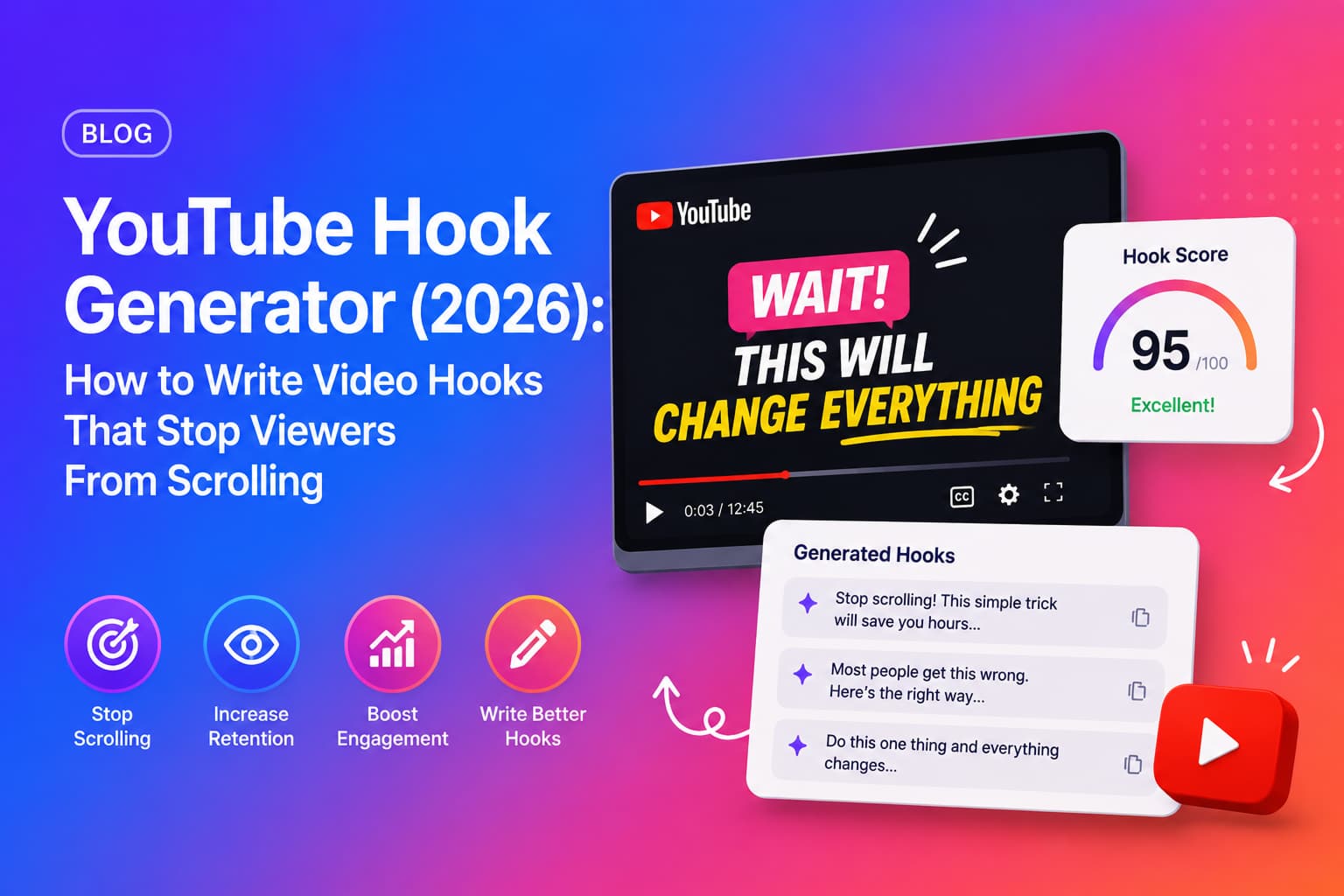
An AI hook generator reads your video transcript, identifies the core topic and value, and produces multiple ready-to-use hook scripts — each in a different format.
- 1You paste your YouTube video URL into the tool.
- 2The AI fetches the full timestamped transcript from the video.
- 3It analyses the topic, key insights, and strongest moments in the content.
- 4It generates multiple hook scripts across different formats: bold claim, question, result, story.
- 5You review the options, pick the best fit, and paste it into your video intro or script.
Time saved
Writing a strong hook manually takes most creators 20–40 minutes of trial and error. An AI hook generator produces multiple options in under 30 seconds — and often surfaces angles the creator had not considered.
Once the hook keeps viewers watching, chapters help them navigate. See how our YouTube chapters generator adds timestamps that boost watch time and SEO.
Check our complete YouTube SEO checklist to see how hooks fit into your full video optimization workflow.
Generate YouTube Hooks with Chaptrly
Chaptrly's AI YouTube Hook Generator helps creators write stronger intros automatically. Paste your YouTube video URL and generate retention-focused hook scripts, SEO assets, chapters, and optimization reports in under 60 seconds.
Along with hook scripts, the same generation also produces: a Video Score and Optimization report, Competitor Analysis, 8 SEO title options, chapter timestamps, Shorts ideas, a tweet thread, key quotes, a pinned comment, an SEO-optimised description, and keyword tags — all from the same URL.