What Is a Free YouTube Chapters Generator?
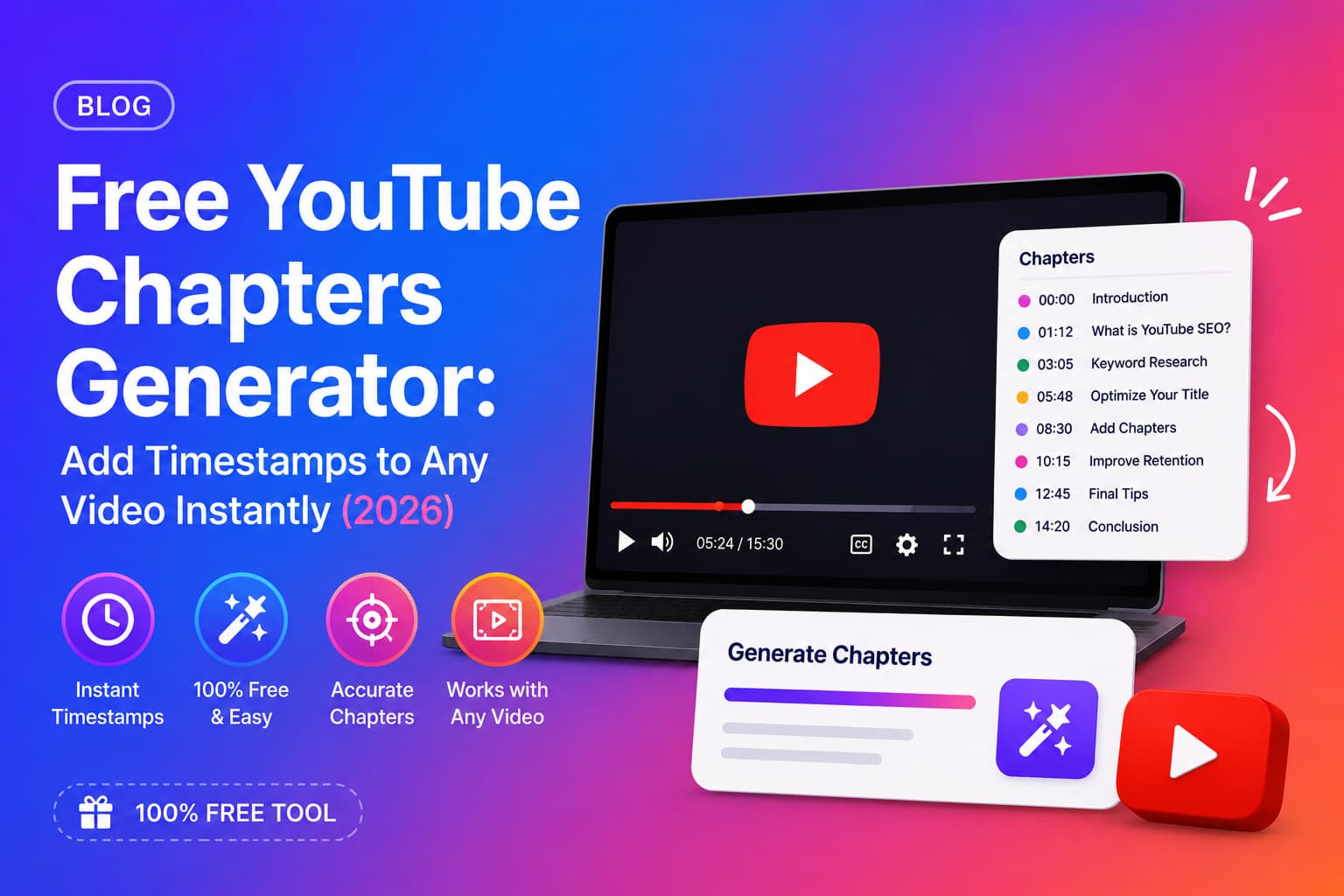
A free YouTube chapters generator is an AI tool that automatically reads a YouTube video's transcript and creates a list of timestamped chapter markers — ready to paste directly into your video description. You do not need to rewatch your video, manually note timestamps, or write chapter titles by hand.
The best free YouTube chapters generators produce output in the exact format YouTube requires: starting from 00:00, one chapter per line, with descriptive titles. Paste the result into YouTube Studio and your chapter markers go live immediately.
Why YouTube Chapters Matter — Even for Short Videos
- check_circleGoogle indexes every chapter title independently — a 10-chapter video can rank for 10 different search queries.
- check_circleChapters appear as "Key Moments" in Google Search results — increasing your click-through rate from outside YouTube.
- check_circleViewers who can navigate to exactly what they want watch longer and return more often.
- check_circleYouTube's algorithm treats higher watch time as a quality signal — better chapters directly improve algorithmic reach.
- check_circleChapter markers appear in the video progress bar — making your content look more professional and structured.
Most creators skip this
Fewer than 30% of YouTube videos have chapter timestamps. That means adding chapters instantly puts your video ahead of the majority of content competing for the same keywords — with no additional production effort.
How to Use a Free YouTube Chapters Generator (Step by Step)
- 1Go to chaptrly.in — no account required to start.
- 2Paste your YouTube video URL into the input field.
- 3Click Generate — the AI fetches the transcript and analyses the full video.
- 4Open the Chapters tab in your results.
- 5Copy the chapter list — it is already formatted correctly, starting from 00:00.
- 6Open YouTube Studio → your video → Details → Description.
- 7Paste the chapters at the bottom of your description and click Save.
- 8Refresh your video page — chapter markers will appear in the progress bar immediately.
What Makes a Good YouTube Chapters Generator?
Not all free YouTube chapters generators are the same. Here is what separates a useful tool from one that wastes your time:
Accurate timestamps
The chapter tool must read the actual video transcript — not guess timestamps. Transcript-based generators like Chaptrly produce timestamps that match exactly where topic changes occur in the video, because they are derived directly from the spoken content.
Descriptive, SEO-aware chapter titles
Chapter titles are indexed by Google. A tool that produces titles like "Part 1" or "Section 2" wastes the SEO opportunity. A good free chapters generator writes titles that describe the content of each section in a way that matches how viewers search.
Correct output format
YouTube's chapter format is strict: the first chapter must be 00:00, timestamps must be in ascending order, and each chapter title must follow directly after the timestamp on the same line. A good generator outputs chapters that work without any reformatting.
Works on any video
The best free YouTube chapters generators work on any public YouTube video — including videos you did not make. This is useful for analysing competitor videos or generating chapters for older uploads you want to re-optimise.
Chapters are one part of a full SEO strategy. See the complete YouTube SEO checklist for 2026 — every optimization step in order.
Free vs Paid YouTube Chapters Generators: What Is the Difference?
Many YouTube chapters generators start free and charge for higher volume or extra features. Here is what to look for:
- check_circleFree tier limits — most tools give 3–10 free videos per month. Chaptrly gives 5 free videos per month with no credit card required.
- check_circleOutput quality — some free tools produce generic chapter titles. Chaptrly generates keyword-aware, descriptive titles on the free plan.
- check_circleAdditional assets — the best free tools give you more than just chapters. Chaptrly also generates titles, descriptions, hooks, Shorts ideas, tweet threads, and key quotes — all included at no cost.
- check_circleVideo length limits — some tools limit free usage to short videos. Chaptrly works on videos of any length.
- check_circleNo watermarks or attribution required — free tier output is yours to use as-is.
How Many Chapters Should a YouTube Video Have?
YouTube requires a minimum of 3 chapters. Beyond that, the right number depends on your video length and content structure:
- check_circleUnder 5 minutes: 3–4 chapters is usually enough. Too many chapters on a short video looks cluttered.
- check_circle5–15 minutes: 4–7 chapters works well. Each major section or topic gets its own chapter.
- check_circle15–30 minutes: 6–10 chapters. Viewers navigating a longer video need more precise markers.
- check_circleOver 30 minutes: 8–15 chapters. Long-form content benefits most from generous chaptering — viewers will not watch without navigation.
Use specific numbers
If your video covers "5 tips", make each tip a chapter. If it covers a step-by-step process, each step gets a chapter. Natural content divisions make better chapters than arbitrary time-based splits.
YouTube Chapter Format: The Exact Rules
Chapters will not appear on your video if the format is wrong. These are the rules YouTube enforces:
YouTube chapter requirements
- arrow_rightMinimum 3 chapters required — fewer than 3 and nothing will display.
- arrow_rightFirst chapter must start at exactly 00:00 — any other start time breaks chapters entirely.
- arrow_rightTimestamps must be in ascending order — no going backwards.
- arrow_rightEach chapter must be on its own line in the description.
- arrow_rightFormat: MM:SS followed by a space and the chapter title.
- arrow_rightFor videos over 1 hour: HH:MM:SS format.
- arrow_rightChapters must be in the video description — not in comments.
Correct YouTube chapter format
00:00 Introduction
02:15 Why YouTube Chapters Matter
05:40 How to Use a Chapters Generator
08:55 Copying Chapters into YouTube Studio
11:30 Checking Your Chapters Are Live
Can You Generate Chapters for Someone Else's YouTube Video?
Yes — a YouTube chapters generator works on any public YouTube video, not just your own. This is useful for:
- check_circleRe-optimising older videos you uploaded before you knew about chapters.
- check_circleAnalysing how competitors structure their content and what topics they cover.
- check_circleGenerating chapters for a client's YouTube channel as part of a content or SEO service.
- check_circleQuickly understanding the structure of a long video before watching it in full.
Beyond chapters, titles are the next highest-impact SEO move. Read our YouTube title generator guide for the formulas that drive clicks.
Generate Free YouTube Chapters with Chaptrly
Chaptrly is a free YouTube chapters generator that produces perfectly formatted chapter timestamps from any YouTube video URL — in under 60 seconds. No rewatching, no manual timestamp noting, no formatting guesswork.
The same generation also includes: 8 SEO title options, an SEO-optimised video description, 3 hook scripts, Shorts ideas with timestamps, a tweet thread, key quotes, a pinned comment draft, keyword tags, and a Video Score report — all from one URL, all included free.